
Tagging Documentation
Tag4u: fjaa133320 < fjaa251007 < fjaareport < fjaastub

Summary
Top* / All || Notes / Activity
Tagging documents is a fast and easy way to draw in a wider set of knowledge for a reader. It promotes reuse. One method for doing this is laid out in this document.
Start Here
Up / All / Files || FAQ / Notes
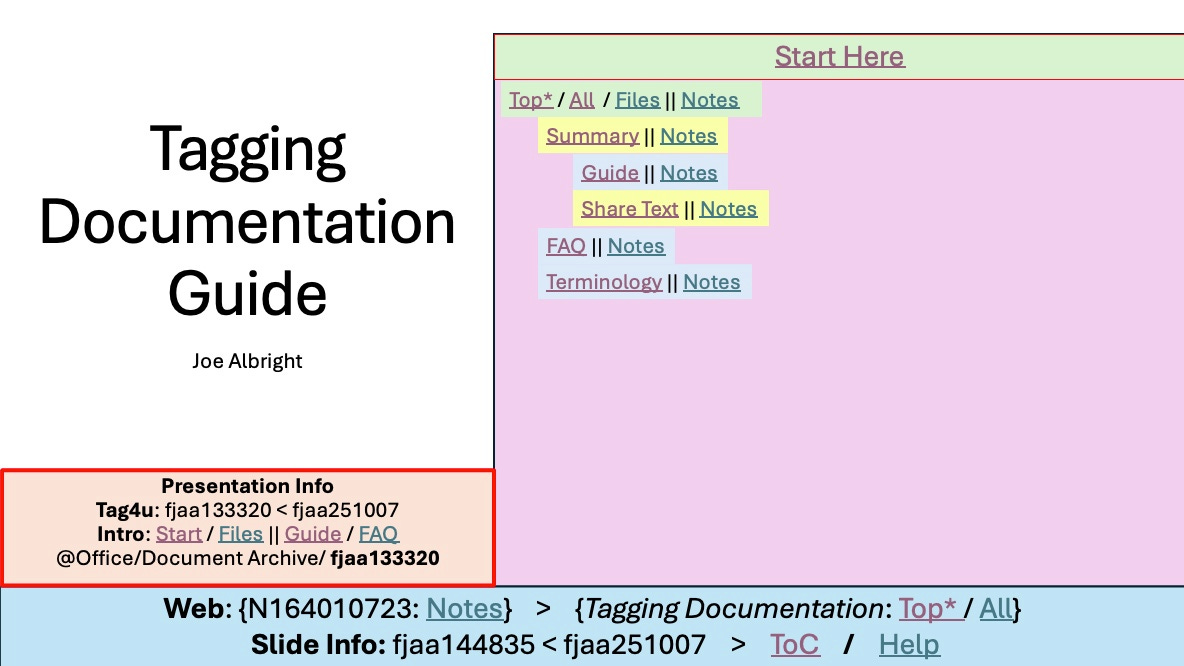
Watch this video to learn how to get started with this document and its Guide. To get a copy of the Guide, use the Files link directly below this section’s heading. When the folder opens, search for this documents tag; fjaa133320. Open the document. The first page will look similar to the figure shown in the Guide section that follows.
Guide
Up / All / Files || FAQ / Notes
If you do not have a copy of the Guide, refer to the Start Here section for instructions about how to obtain it and some basic operational guidance.
Files
Up / All / Files || FAQ / Notes
Files which support a document are kept in one or more locations. What follows is a list of the locations used for this document, with hyperlinks as appropriate.
FJAaLabs: Folder
This is a general purpose storage site used by myself (Joe Albright). Documents are stored in subfolders at the site. This particular document’s supporting material is in:
. . . Office / Document Archive / fjaa133320 /
Share Text
If you want to share this material with others, from the text below copy the lines between the two rows of asterisks (*). Then paste it at the top of any document that you wish to tie to this document.
********
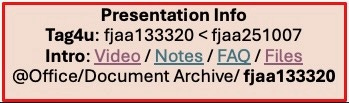
Tag4u: fjaa133320 < fjaa251007
Intro: Start || Guide / FAQ / Files
@Office/Document Archive/ fjaa133320
********
Outline
Use this links to jump quickly to the major parts of this document.
FAQ
These are frequently asked questions. Use the Notes link below the FAQ heading for more community input. In the following list are direct links to FAQ notes for specific sub-topics of this document.
Terminology
Follow the Notes link below the Terminology heading for up to the minute list and discussion/explanations.
Navigator Bar: The blue/yellow region of text along the bottom of a presentation slide (notes).

Web: {N164010723: Notes} > {Tagging Documentation: Top* / All}
Share Text: Text, with hyperlinks, to place in other documentation in order to make this work immediately accessible to other authors (notes).
Tagging Documentation (N164010723)
********
This marks the top of the comments section. The major document sections are replies to this comment. Further detail will expand down from there. This is being done so that any new comments that are not direct replies to a comment, which show up at the top level like this comment, will not interfere with the general flow of the primary documentation discussion.
********
Top*: https://albrightj.substack.com/p/tagging-documentation